
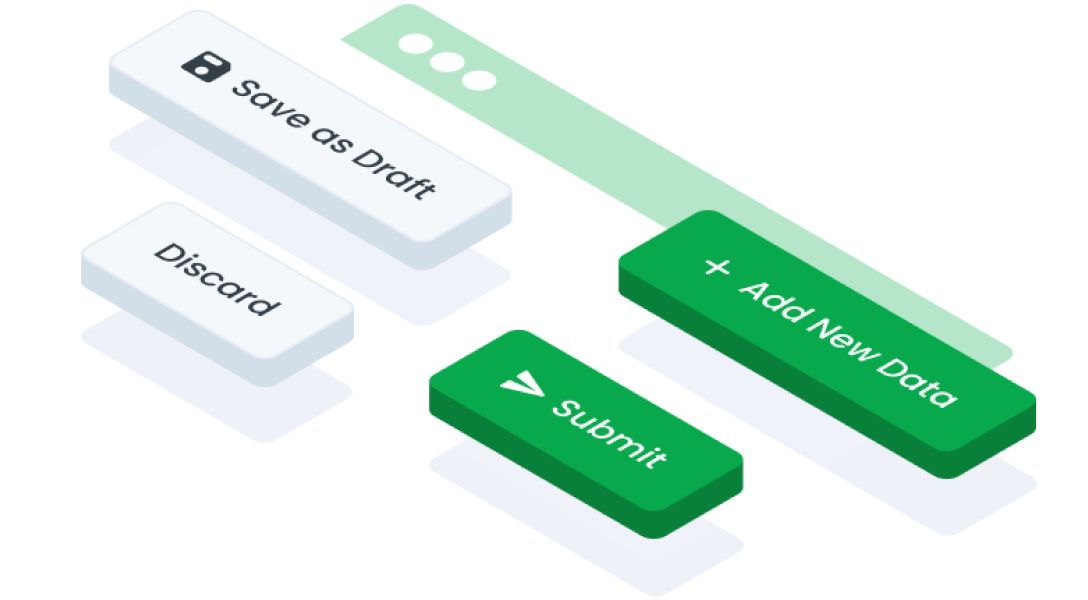
ComponentsButton LinkA button link in interface design is a clickable element that resembles a button but functions as a hyperlink, directing users to another location within the same website or to an external webpage.
Guidelines
Web
Mobile
Resources
- You can use these components by accessing the provided resource files.
- Preview animations are examples and may not suit Mobile Widgets. Press 'View Code' to access the Widgetbook Playground and see the Flutter widget displaying all created components and interactive.
Usage
Import this line to your file:
import 'package:buma_design_system/buma_design_system.dart';
Attributes
If there is a question mark ? in the Data Type, it means that the properties are optional
| Properties | Data Type | Description |
|---|---|---|
| label | String | Display text to the center of button link |
| variant | UIButtonLinkType | A type option to display several button link variants |
| leftIcon | IconData? | Displays the icon on the left of label |
| rightIcon | IconData? | Displays the icon on the right of label |
| onPressed | VoidCallback? | A callback from user interaction or gesture |
UIButtonLinkType
A type for different button links.
| Name | Description |
|---|---|
| primary | Use a primary button link for the main or most desired actions by the user |
| secondary | Use a secondary button link for alternative actions, additional options, or less urgent but still important actions |
Variants
You can call the components with Class.namedConstructor() with different variants.
Primary
- Used for primary or important actions within an interaction or process.
- Suitable for actions that need to be promoted or encouraged for users to take.
 UIButtonLink.primary(
   label: 'Label',
   leftIcon: Icons.fiber_manual_record,
   onPressed: (){
     // Do something
   }
 )
Secondary
- Default style recommended for most actions.
- Alternate or negative closure actions (such as, Cancel Button, Back Button) in a form or dialog.
 UIButtonLink.secondary(
   label: 'Label',
   leftIcon: Icons.fiber_manual_record,
   onPressed: (){
     // Do something
   }
 )