Naming Components
Use of UI prefixes on each component or widget class. The UI prefix makes it clear that a component is related to the user interface, distinguishing it from business logic, utilities, or data models
class UIButton {}
class Button {}
Naming Files
- Use
lower_case_underscore_withsuffixon each file that will be used. - Assign the suffix to parent folder above it.
.
└── components/
    └── presentation/
        ├── pages/
        │   ├── login.page.dart
        │   └── register.page.dart
        ├── widgets/
        │   └── text_field.widget.dart
        └── controller/
            ├── login_page.controller.dart
            └── register_page.controller.dart
.
└── components/
    └── presentation/
        ├── pages/
        │   ├── LoginPage.dart
        │   └── RegisterPage.dart
        ├── widgets/
        │   └── TextFieldWidget.dart
        └── controller/
            ├── LoginPageController.dart
            └── RegisterPageController.dart
More Example Naming File
Here the example for naming file screen, page, model, etc.
- :
file_name.screen.dart - :
file_name.page.dart - :
file_name.model.dart - :
file_name.response.dart or file_name.request.dart - :
file_name.constant.dart - :
file_name.translate.dart
Note for Developers
This naming convention aims to ensure that all names in one project are similar to the structure that has been created, and avoid problems or issues such as being deprecated or naming errors that do not match Clean Code which occur when files and classes are created.
Problem
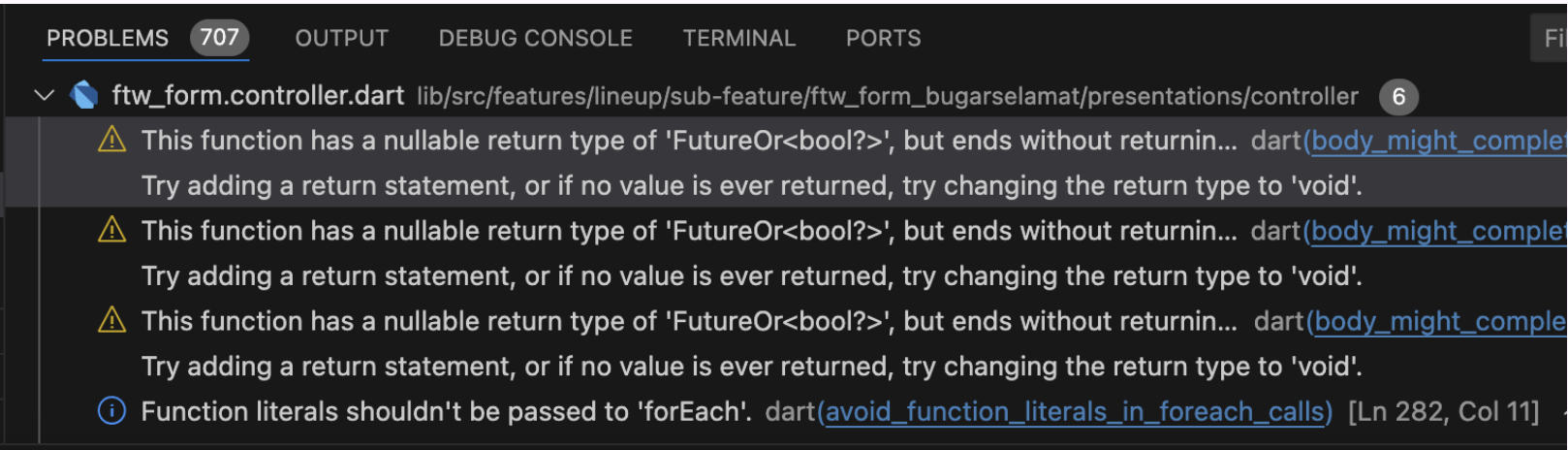
In the example below vscode will automatically provide output (problems) when we do not meet the naming standards using the Naming Convention, an unwanted warning occurs.
Solving
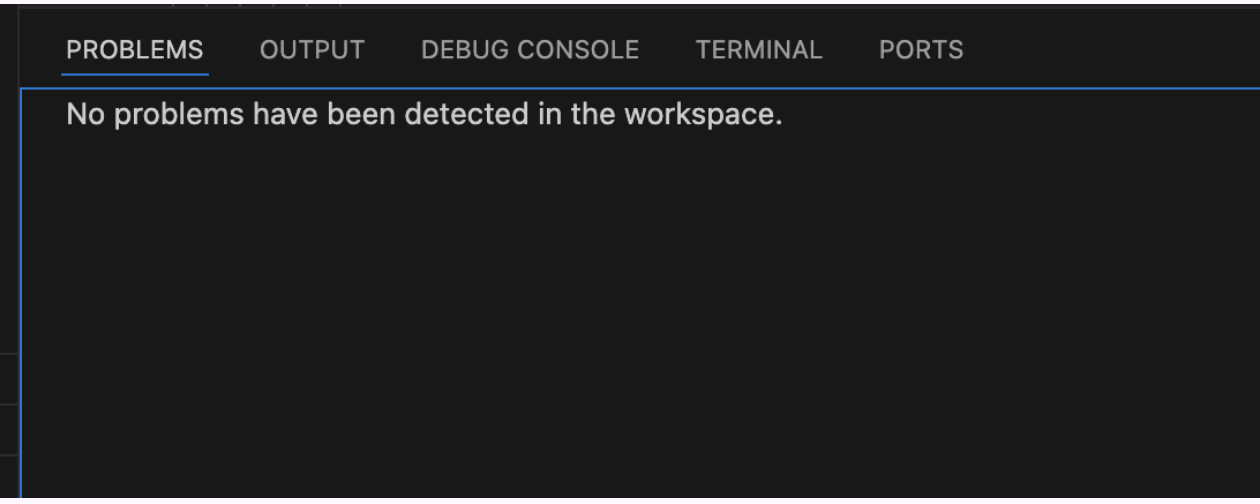
When we have implemented the Naming Convention for each class, it will greatly minimize the occurrence of warnings from the output (problems) in VScode.