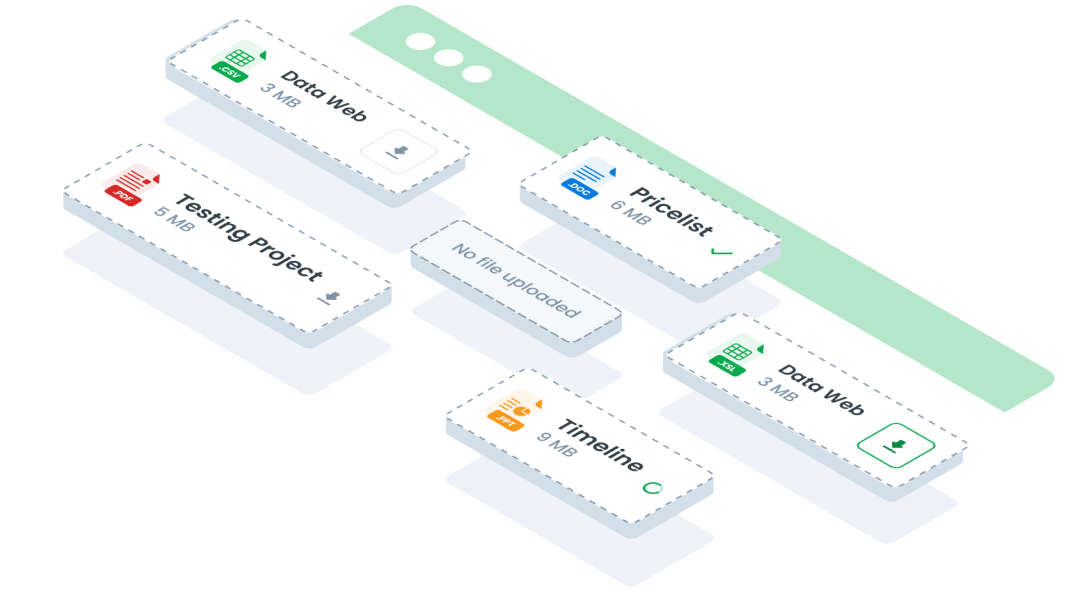
ComponentsDownloadThe download component is an essential part of forms, providing users with the ability to download files. This component comes in two main conditions: when no attachment file is present and when an attachment file is available. Each condition has both small and large size variations to suit different design needs.
Guidelines
Web


Oops Sorry! This Page Is Under Maintenance
We are improving this page, and will be back soon! You can explore other page.
Mobile
Resources
- You can use these components by accessing the provided resource files.
- Preview animations are examples and may not suit Mobile Widgets. Press 'View Code' to access the Widgetbook Playground and see the Flutter widget displaying all created components and interactive.
Usage
Import this line to your file:
import 'package:buma_design_system/buma_design_system.dart';
Attributes of all variants
If there is a question mark ? in the Data Type, it means that the properties are optional, this is namedConstructor from UIDownload
UIDownload
The custom multiple download file
This widget is an essential part of forms, providing users with the ability to download files. This component comes in two main conditions: when no attachment file is present and when an attachment file is available.
| Properties | Data Type | Description | Default Value |
|---|---|---|---|
| listFile | UIDownloadFileInterface | Displays list of file download | null |
| hasDownloadAll | bool? | Displays at the right of widget for downloading all file | false |
| onRemoveFile | void Function(int index)? | Callback when user removing file | null |
UIDownloadAttachFile
Displays list of file download
| Properties | Data Type | Description | Default Value |
|---|---|---|---|
| title | String | The title of the download file | null |
| url | String | The URL from which the file can be downloaded | null |
| subText | String? | Optional subtext providing additional information about the file | null |
| path | String? | The local path where the file is stored after download | null |
| isDownloaded | bool? | Indicates whether the file has been downloaded | false |
| state | UIDownloadFileState? | Represents the current state of the download file | UIDownloadFileState.idle |
Previews & Code
You can call the components with Class.namedConstructor() with different variants
Download
 UIDownload(
   listFile: [
     UIDownloadAttachFile(
       title: 'Testing.ppt',
       filePath: Directory('/storage/emulated/0/Download/Test.ppt').path,
       futureFile: () async {
         // Do something async await method/function.
       }
     )
   ],
   onRemoveFile: _hasRemoveFile ?
   (int index) {
     // Do something
   } : null
 )