
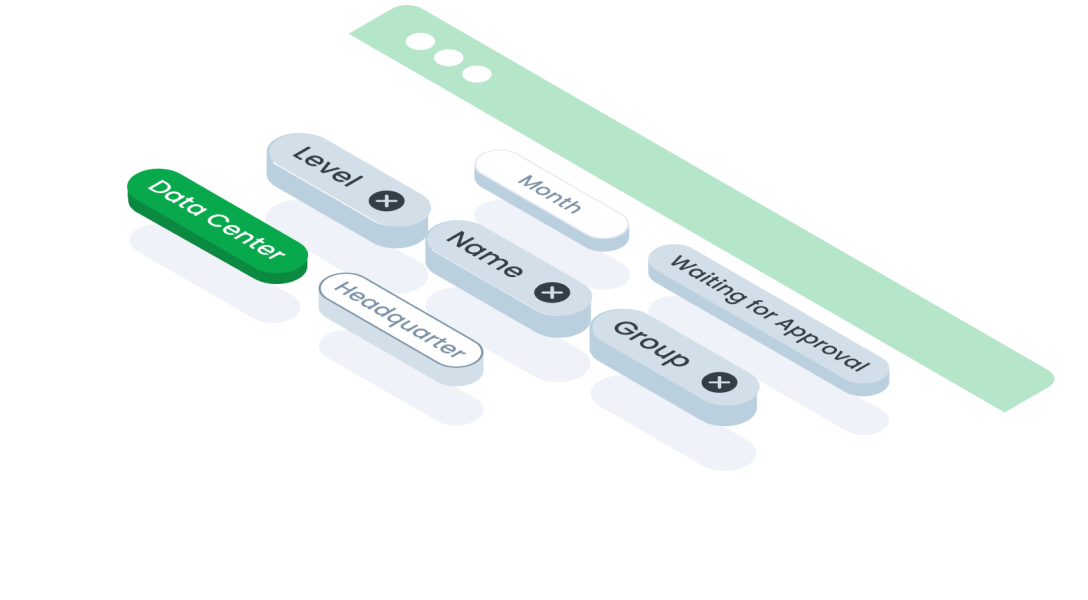
ComponentsChipsChips in user interface design are graphical elements used in web or mobile interfaces to display small units of information, often related to user status, activity, or notifications.
Guidelines
Web
Mobile
Resources
- You can use these components by accessing the provided resource files.
- Preview animations are examples and may not suit Mobile Widgets. Press 'View Code' to access the Widgetbook Playground and see the Flutter widget displaying all created components and interactive.
Usage
Import this line to your file:
import 'package:buma_design_system/buma_design_system.dart';
Attributes of all variants
If there is a question mark ? in the Data Type, it means that the properties are optional, this is namedConstructor from UIChips
UIChips
Displays single item of chip
| Properties | Data Type | Description | Default Value |
|---|---|---|---|
| data | String | A single text for display some information | null |
| variant | UIChipsVariant | A variant to make different chips | null |
| enabled | bool | Enable all interaction to chips | true |
| size | UIChipsSize? | A size content of chips | UIChipsSize.large |
| hasClose | bool? | A switch to display close button | false |
| callbackWithData | ValueChanged<String>? | Chips will showing single data when user have interaction | null |
| onTapClose | ValueChanged<int?>? | Add remove chips | null |
UIChips.multiple
Displays multiple items of chips
| Properties | Data Type | Description | Default Value |
|---|---|---|---|
| multipleData | List<String> multipleData | A collections of data to display more informations | null |
| variant | UIChipsVariant | A variant to make different chips | null |
| enabled | bool | Enable all interaction to chips | true |
| size | UIChipsSize? | A size content of chips | UIChipsSize.large |
| hasClose | bool? | A switch to display close button | false |
| callbackWithMultipleData | ValueChanged<List<String>>? | Chips will showing multiple data when user have interactions | null |
| onTapClose | ValueChanged<int?>? | Add remove chips | null |
Previews & Code
You can call the components with Class.namedConstructor() with different variants
Chips Single
 UIChips(
   data: 'Person Name',
   variant: UIChipsVariant.primary,
   enabled: true,
   hasClose: true,
   size: UIChipsSize.large,
   onTapClose: (_){
     // Do something
   },
   callbackWithData: (String data){
     // Do something
   }
 )
Chips Multiple
List<String> _listData = ['Person Name', 'Person Name'];

  UIChips.multiple(
    multipleData: _listData,
    variant: UIChipsVariant.primary,
    hasClose: true,
    size: UIChipsSize.small,
    callbackWithMultipleData: (List<String data){
      // Do something
    }
  )