
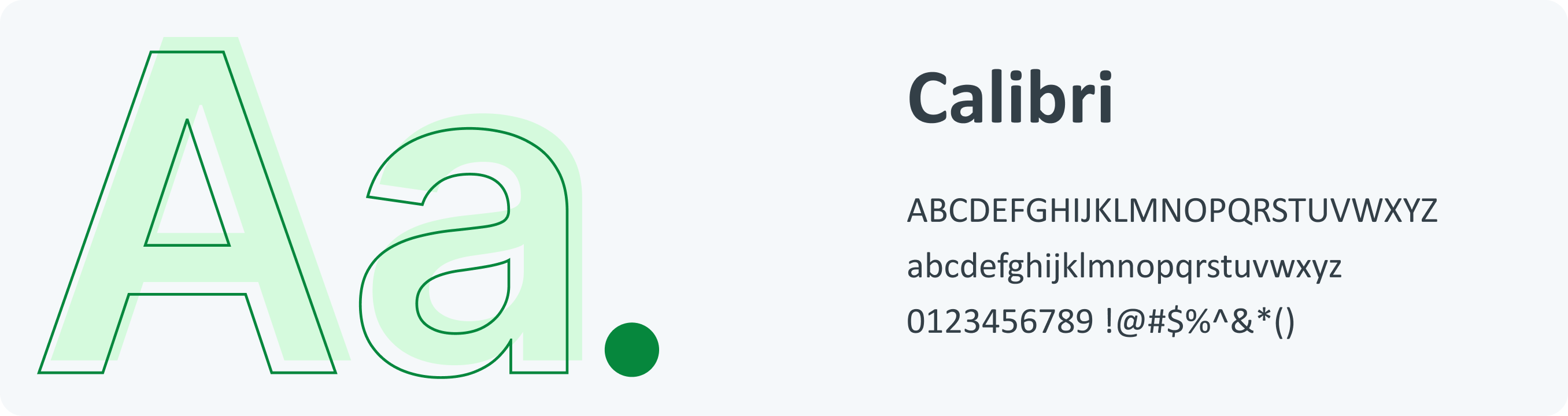
Overview Our typography uses the Calibri font. Power BI is a modern digital tool that requires a typographical interface that is easy to read for effective data presentation. Calibri has simple, balanced letterforms that make it easy to read. This makes complex data easy to understand at a glance. It works well with Power BI, which makes it easy to read and professional-looking on all dashboards.
Guidelines Typography is our font system. Each font reflects the right sentiment to support our users at every stage of their journey. Typography Guidelines :
Make a big difference when you want to create contrast between two elements, such as a header and body of text. Use a similar font when creating for the same brand. Make sure your header is twice as large as the body of the text. The typeface and background colors must have the proper level of contrast. To create a strong contrast, pair fonts with different weights. When designing, make an attempt to keep with the same icon and font to maintain consistency.
Above all, make sure you consider all the elements of typography when designing.
Above all, make sure you consider all the elements of typography when designing.
Type
Heading
Aa
ultra / h1Bold 43px/44pxOversized screen titles. Use in moderation
Aa
large / h2SemiBold 35px/40pxEmpty states and feature introductions. Top level headers
Aa
medium / h3Bold 30px/34pxMain titles, use only once per page
Aa
small / h4Medium 25px/26pxHeadings that identify key functionality
Sub Heading
Aa
large / h5Bold 20px/22pxSub-section and field group headings
Aa
medium / h6Bold 17px/20pxDeep headings and for highlighting important pieces of information
Aa
capital / h7Bold 14px/16pxHeading up a group of list items
Aa
small / h8Bold 14px/16pxLow level headings
Body
Aa
bodyRegular 14px/16pxText Body
Aa
boldBold 14px/16pxUse to emphasize text.
Aa
italicsRegular Italics 14px/16pxHeadings that identify key functionality
Aa
linkBold 15px/18pxLink
Aa
paragraphRegular 14px/24pxParagraph
Aa
smallRegular 12px/12pxHelp text under form fields, and as supporting text
Aa
xtra smallRegular 10px/10pxMobile version for minor details, it is not recommended for conveying crucial or primary information